
Snapshots
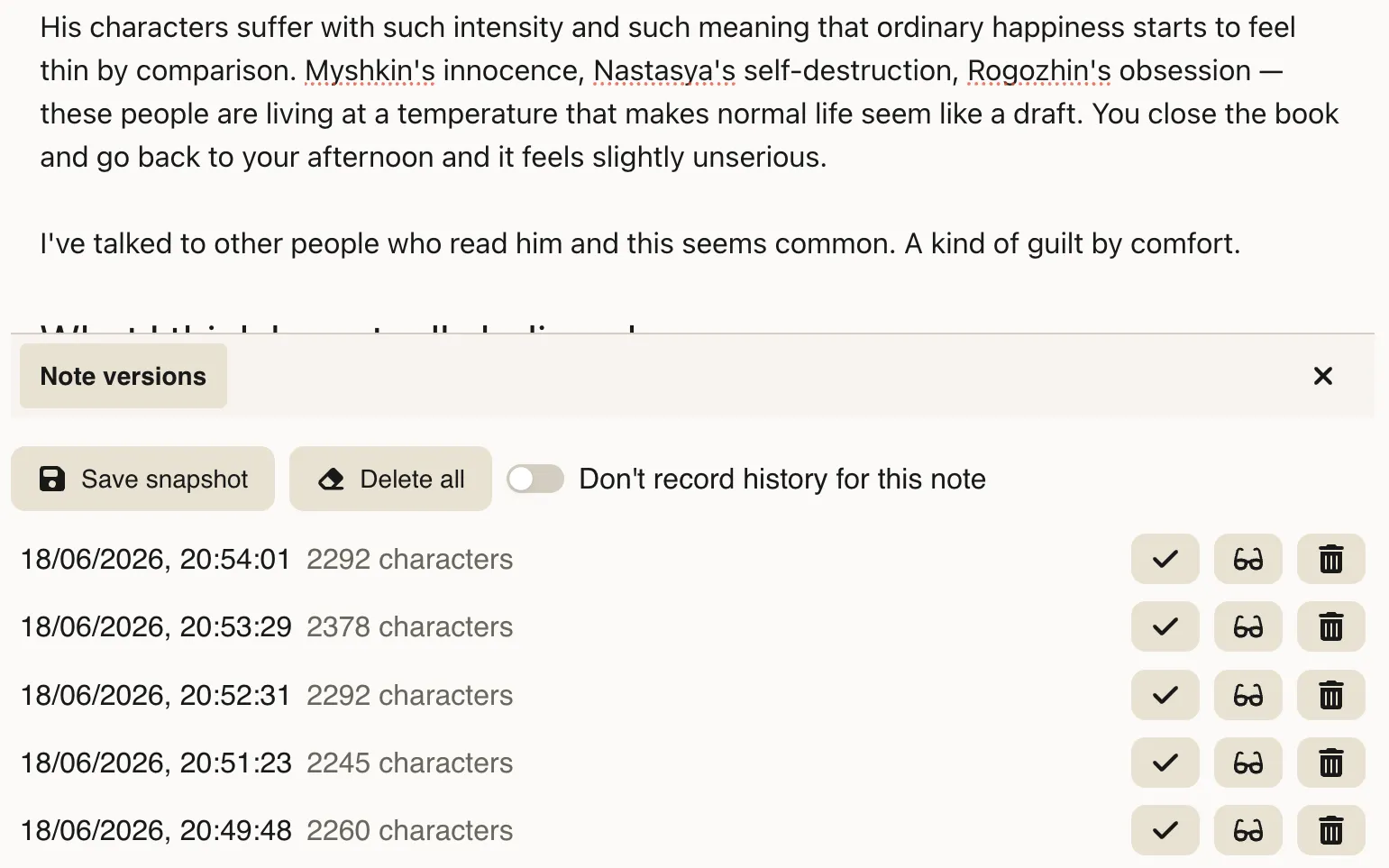
Each note has an edit history. Deepink takes snapshots of a note’s content a few seconds after you finish editing, so you can restore a previous version at any time.
This feature is especially useful for tracking the evolution of your ideas and processes over time.
History behavior
Section titled “History behavior”History is linear. Each snapshot is appended in order of changes.
Restoring a snapshot replaces the current note content. After a restore, further edits create new snapshots as usual.
History control
Section titled “History control”Some notes may contain sensitive content, and stored snapshots can expose past versions.
You can manually delete specific snapshots or disable history recording for an individual note or for the entire vault.