
Vault
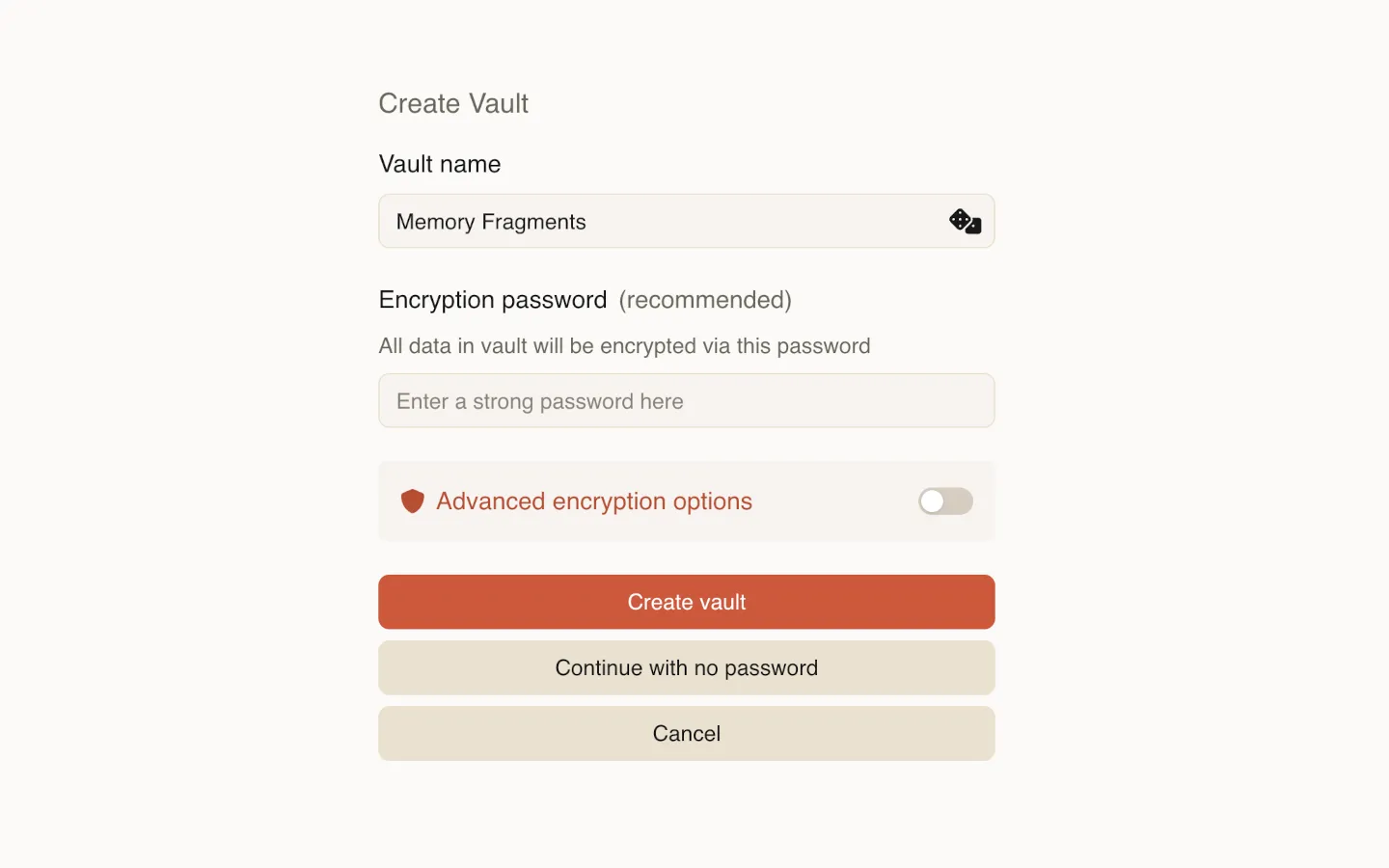
A vault is a top-level container that stores all your data.
Each vault is a directory on disk that contains workspaces, notes, attachments, and related metadata.
You can create multiple vaults, but only one vault can be open at a time.
Encryption
Section titled “Encryption”A vault can be encrypted or unencrypted.
When encryption is enabled, the vault directory contains only encrypted files, and a single password protects the entire vault.
You only need to remember one password per vault.
Read more about encryption:
Opening a vault
Section titled “Opening a vault”When the application starts, the most recently used vault opens automatically.
If the vault is encrypted, you will be asked to enter its password.
Switching vaults
Section titled “Switching vaults”You can switch between vaults at any time.
When switching:
- The current vault is closed
- Encryption keys are cleared from memory
- You are returned to the vault list to select another vault